You would not drive a car without a dashboard. No speedo, no fuel gauge, no temperature warning light. Just vibes and hope. Yet that is exactly how most traders operate. They take trades, check their broker balance occasionally, and wonder why things are not improving.
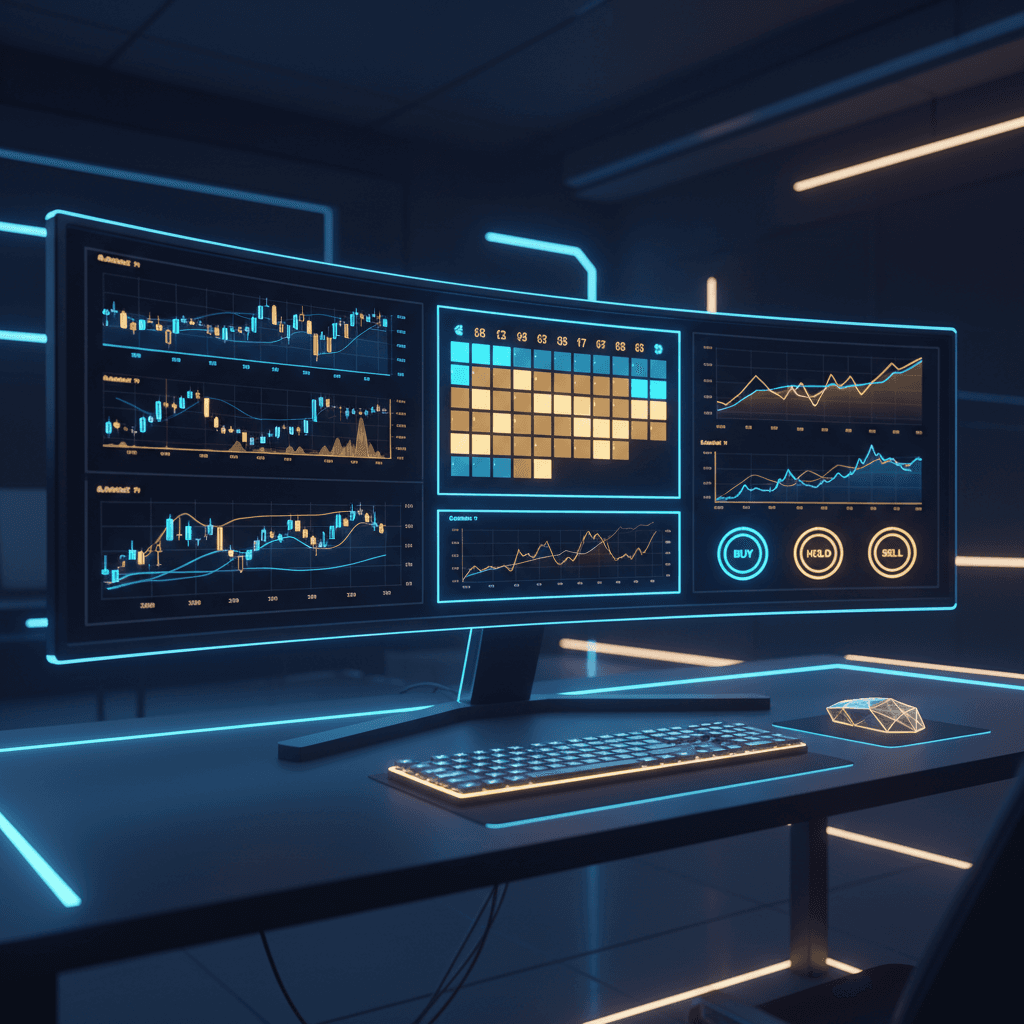
A proper trading dashboard changes everything. It puts your performance metrics, equity curves, calendar heatmaps, drawdown monitors and strategy health indicators in one place. One glance tells you what is working, what is bleeding, and what needs attention. This guide walks you through setting one up that works for any market you trade.
In This Guide
Why You Need a Dashboard
The human brain is terrible at tracking complex data over time. You cannot remember your win rate from three weeks ago. You cannot accurately recall whether your drawdown this month is worse than last month. You think you know, but you are almost certainly wrong. Cognitive biases distort our memory of our own performance.
A dashboard externalises your memory. It shows you the objective truth about your trading, updated in real time, without the rose tinted filter of selective recall. When you can see your drawdown climbing toward your limit, you respond differently than when you are guessing based on feel.
Research consistently shows that traders who review their performance data make better decisions, take fewer revenge trades, and maintain better trading discipline. The dashboard is the mechanism that makes this review process effortless.
Core Dashboard Components
Not all dashboards are created equal. A good trading dashboard has these essential components.
P&L Overview
Your current profit and loss for every time period that matters. Daily, weekly, monthly, yearly and all time. This is your headline number and it needs to be front and centre. ACE Portfolio Tracker shows this broken down by individual strategy and combined across your entire portfolio.
Equity Curve
A visual representation of your account growth over time. The shape of your equity curve tells a story. Smooth upward curves indicate consistency. Jagged curves with deep valleys indicate volatility and potential strategy issues. Equity curve analysis is one of the most powerful tools in your analytics arsenal.
Calendar Heatmap
A calendar view where each day is colour coded by P&L. Green for profitable days, red for losing days, intensity showing magnitude. This immediately shows you patterns. Maybe Mondays are your best day. Maybe the third week of the month is consistently weak. Calendar heatmaps make time patterns visible at a glance.
Key Metrics Panel
Your essential trading metrics displayed in a clean panel. Win rate, profit factor, Sharpe ratio, max drawdown, expectancy and consistency score. These numbers update as trades flow in.
Traffic Light System
Visual indicators that flag strategy health. Green means performing within normal parameters. Amber means approaching risk limits. Red means stop and review. ACE Portfolio Tracker includes configurable traffic lights that alert you before problems become account threatening.
Track Your Strategy Before It Eats Your Account
Set up your dashboard in minutes. Connect NinjaTrader, upload CSV, or enter manually. All metrics calculated automatically.
Get Started FreeConnecting Your Data Sources
The best dashboard is one that updates automatically. Manual entry works for a while but breaks down as you scale. Here is how to connect different markets.
| Market | Connection Method | Update Speed |
|---|---|---|
| NinjaTrader Futures | Direct API sync | Real time as trades execute |
| Forex | CSV import from broker | On upload |
| Crypto | CSV export from exchange | On upload |
| Stocks | CSV import | On upload |
| Sports Betting | Manual entry or CSV | On entry |
For NinjaTrader users, the direct sync means zero manual work. Your trades flow into ACE Portfolio Tracker automatically. For other markets, CSV import handles the heavy lifting. The Broker Sync vs CSV Import guide covers the tradeoffs in detail.
Customising for Your Markets
Different markets have different rhythms. Your dashboard should reflect that.
Futures traders using NinjaTrader bots will want session based views showing performance by trading session (Asian, European, US). They will want per strategy breakdowns and real time equity monitoring across multiple accounts. The account combination tools handle the multi account complexity.
Sports bettors need different views entirely. Performance by sport, by bookmaker, by bet type (match result, handicap, over under). Bankroll tracking replaces equity curves. Strike rate replaces win rate. But the underlying analytics are the same: track, measure, improve. The sports betting tracking module handles all of this.
Multi market traders get the best of both worlds. ACE Portfolio Tracker normalises data across markets so you can compare your NQ futures strategy against your crypto plays against your AFL bets in one unified multi market view.
Your Daily Dashboard Routine
A dashboard only works if you look at it. Here is a simple daily routine that takes five minutes.
- Morning check. Before your first trade, glance at your equity curve and drawdown status. Know where you stand before you start.
- Session review. After your trading session, check today's P&L and compare to your average. Was today normal or an outlier?
- Weekly deep dive. Every weekend, spend 15 minutes reviewing the calendar heatmap, metric trends and strategy comparisons. This is where the real insights live.
- Monthly audit. Once a month, review your best and worst strategies and make allocation decisions.
Advanced Dashboard Features
Once you have the basics running, ACE Portfolio Tracker offers advanced features that take your analytics to the next level.
- Monte Carlo simulations show you the range of possible outcomes for your strategy based on your historical data. This helps you set realistic expectations and appropriate position sizes.
- Streak tracking monitors winning and losing streaks so you can see whether your current run is within normal parameters or outside historical norms.
- News day markers overlay economic events on your calendar so you can see how your performance changes around major news releases.
- Correlation analysis shows how your different strategies relate to each other, which is critical for portfolio risk allocation.
Build Your Portfolio Mission Control
Every metric, every chart, every strategy. One dashboard. Set up in minutes.
Start Free TrialRelated Articles
- What Is Trading Analytics and Why It Matters
- Best Trading Metrics Every Trader Should Track
- Multi Market Trading Analytics Explained
- NinjaTrader Trade Tracking
- Combine Trading Accounts Into One Dashboard
- Daily Trade Logging System